One Screen to Run the Whole Business
Stop bouncing between six apps to run your day. Here's what a single operations dashboard actually saves you in time and mistakes.
Your business isn't scattered. Your tools are.
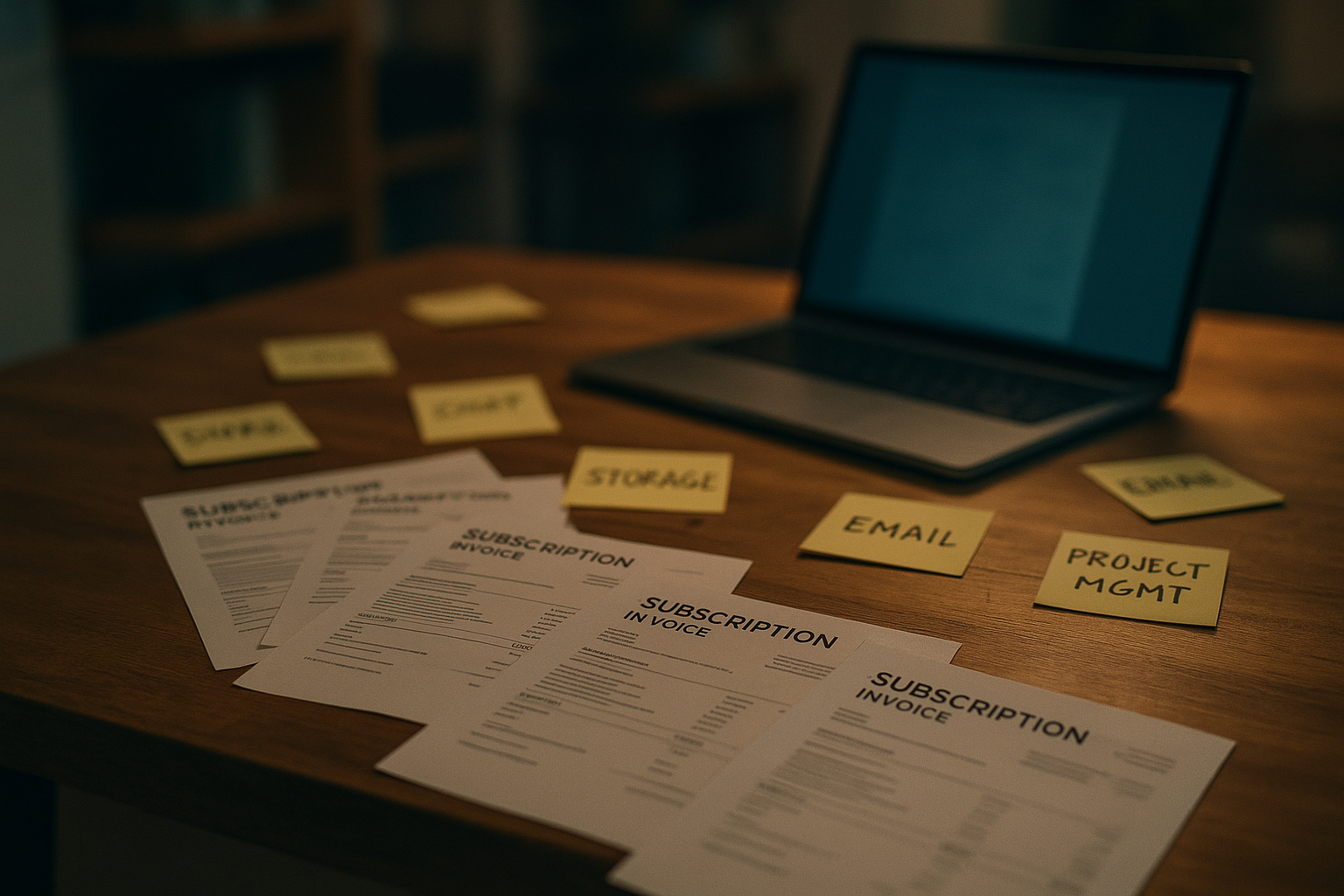
Think about your Tuesday morning. You check texts for customer messages. You open a separate app for scheduling. You log into email for supplier invoices. You flip to a spreadsheet to see what's actually in stock. None of these talk to each other, so you're the one carrying the information between them.
That's not a business problem. It's a wiring problem. The work is fine. The way it's connected isn't.
What all that switching actually costs you
Every time you jump from one app to another, you pay a small tax. A few seconds to load, a few more to remember why you're there, a few more to get back into what you were doing before. Do that forty or fifty times a day and you've lost an hour before lunch, and none of it shows up as work you can point to.
The bigger cost is what falls through. A customer texts about a delivery time while you're on the phone with a vendor. A reorder gets missed because it lived in an email you never got back to. A staff schedule change doesn't reach payroll, so someone gets paid wrong. None of these are big mistakes on their own. They just add up to a business that feels harder to run than it should.
The fix isn't fewer tools, it's one view of all of them
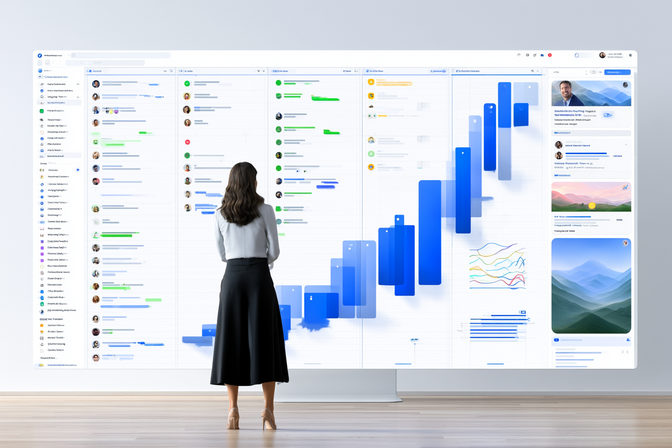
You don't need to rip out everything you already use. Your scheduling tool, your invoicing, your inbox, they can stay. What changes is where you look. An operations dashboard pulls the important pieces from each of those tools into one screen, so you're not hunting for the same answer in five places.
Picture opening your day and seeing, all in one place:
- Today's appointments and who's confirmed
- New messages from customers, wherever they came in
- Invoices that are due, overdue, or paid
- Inventory items running low
You're not adding a new job of managing another app. You're removing the job of managing five.
A landscaping company that stopped losing the thread
A landscaping owner we worked with was running crew schedules in one app, client billing in another, and material orders through a supplier's own portal. Nothing lined up. Crews sometimes showed up to jobs that had already been rescheduled by phone, and invoices went out weeks late because nobody remembered to check the billing app.
We set them up with a single dashboard that pulled the crew schedule, client messages, and billing status into one screen. The owner now checks one place each morning, sees what's happening across every job, and catches conflicts before a crew ever leaves the yard. Invoices go out the same week a job wraps, because it's sitting right there on the screen instead of buried in a separate login.
Nothing about the underlying tools changed. What changed is that the owner stopped being the glue holding them together.
Start with a map of where you actually look
You don't need to overhaul everything at once. Start by listing every place you check to run your day. Scheduling, texts, email, invoicing, inventory, whatever it is. Most owners are surprised to count six or seven when they actually write it down.
That list is your blueprint. It shows exactly what a single dashboard needs to pull together for your business specifically, not some generic version of it.
If you want help turning that list into one screen you actually enjoy opening in the morning, book a free 30-minute strategy call at flowgenixai.com and we'll map it out together.